The Cisco APs ship with an built in site survey mode which lets you perform AP-on a stick site survey. It is very easy to convert to an AP in capwap mode to site survey mode and then manage it through its WebGUI.
Converting AP to site survey mode
Cisco AP in capwap mode can be converted to site survey mode by running the following command in AP cli-
#ap-type site-survey
Note: Mode change to Site Survey mode erases the AP settings and resets Console port credentials to cisco/Cisco.
Configuring Regulatory domain on the site survey AP
When the AP boots in site survey mode with ROW domain it only broadcasts on 2.4 GHz band while 5/6 GHz bands are down. This is because we have not configured any regulatory domain on the AP. The following command configures the regulatory domain on the AP-
#configure ap country-code DE
The AP will boot up and broadcast on all bands.
Managing AP in site survey mode
Associate to the site survey WLAN broadcasted by the AP from your client PC.
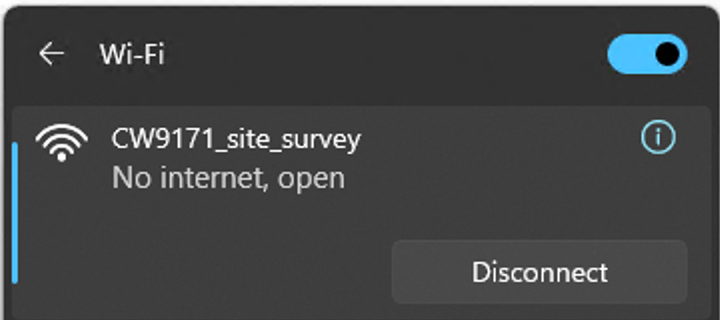
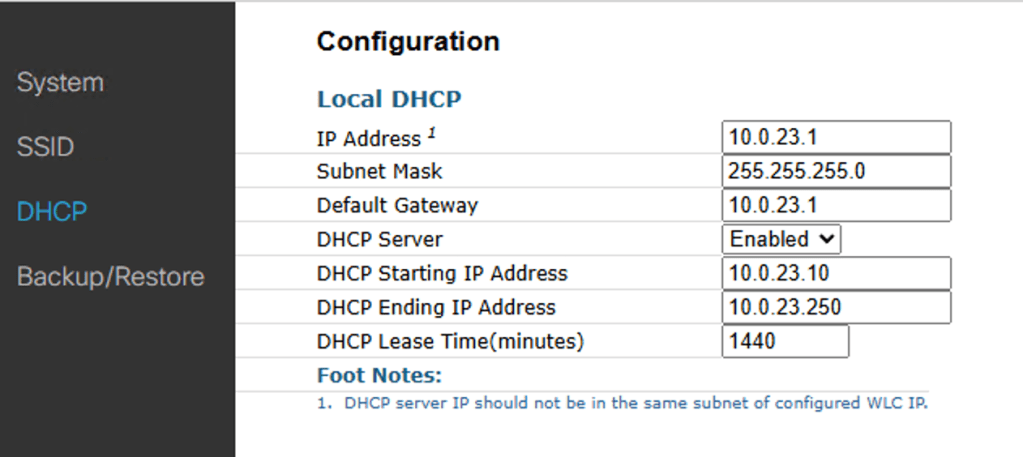
When client PC is associated to the WLAN, the AP will assign a 10.0.23.0/24 network IP to the PC with 10.0.23.1 as the gateway which is the AP itself.
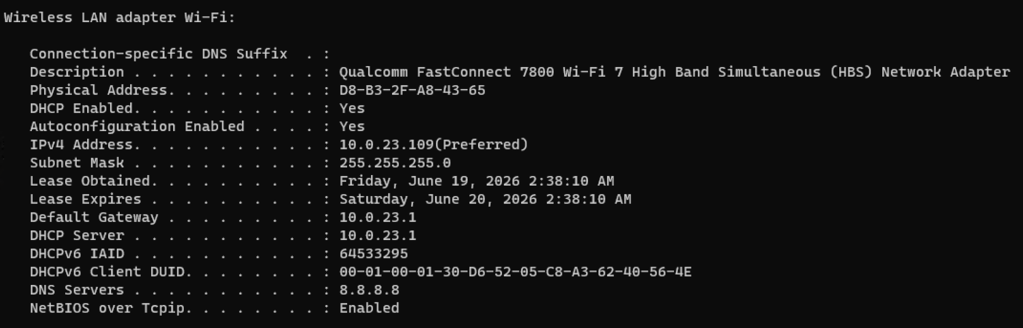
AP Configuration in site survey mode
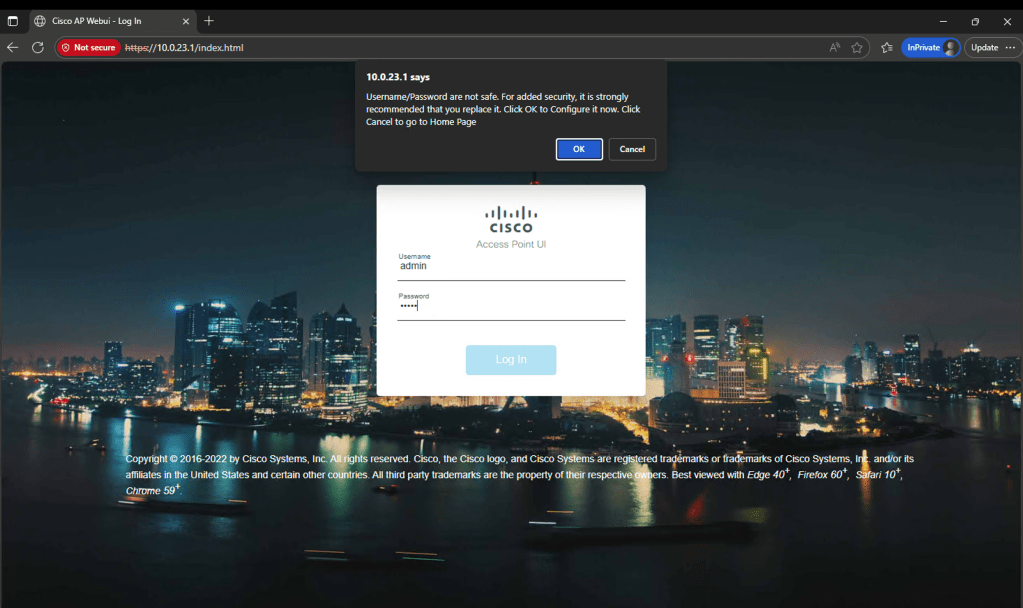
To access the WebGui of the AP, browse to 10.0.23.1 on your browser. A webGUI as seen below should and the default credentials to login are admin/admin.
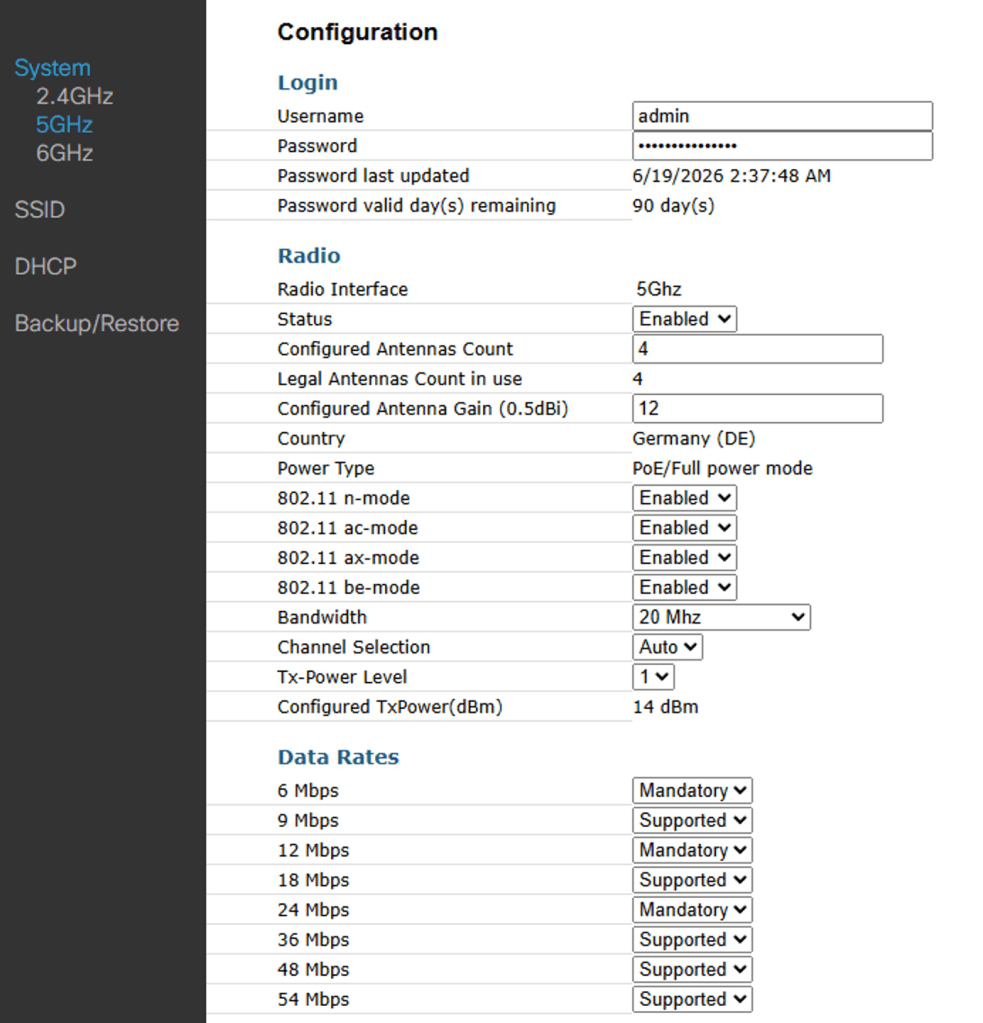
Radio band can be configured as follows- Configuration>System>2.4 GHz/5GHz/6GHz
This webpage lets you configure radio level settings and data rates.
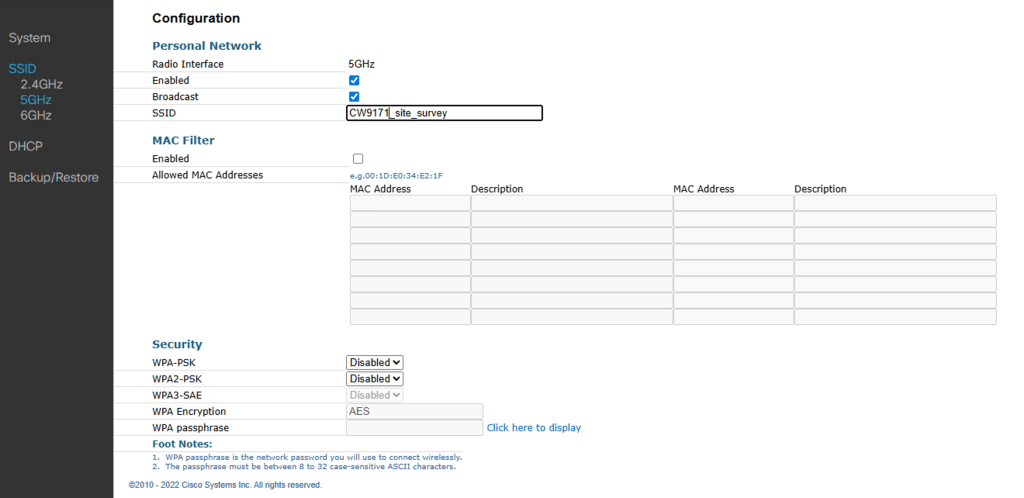
WLAN configurations can be made as follows- Configuration>SSID>2.4GHz/5GHz/6GHz
This webpage lets you manage WLAN per band level, configure MAC filtering and Security method.
DHCP configuration can be modified as follows-
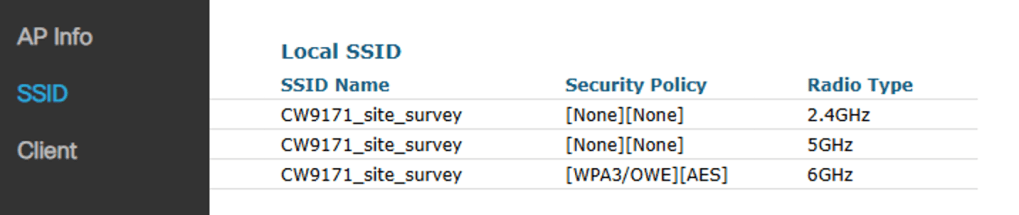
Monitoring the AP in site survey mode-
Home>AP Info- Shows detailed AP info
Home>SSID- Shows SSID details for each band
Home>Client-Shows client details for the associated clients

Converting AP back to capwap mode
AP can be converted back to capwap mode by running the following command-
#ap-type capwap
Note: After converting AP back to capwap mode you cannot login to the AP until it joins a WLC. Once the AP has joined the WLC, you may login to the AP using the credentials defined under AP join profile.
Related Blogs-
How to use Cisco AP as a sniffer?
How to configure Cisco AP in Local mode?


Leave a Reply